Best AI Content Creation Tools: 12 Proven Picks for 2026
Creating content is no longer slow in 2026; with the right AI content creation tools, you can produce content in minutes or even seconds. Many content creation platforms promise faster models, better SEO, automated marketing, interactive visuals, and AI-generated videos that attract human attention.
But when you choose the wrong tool, fixing it can take hours. In this article, I break down the 12 best AI content creation tools to help you choose the right tool for your task and workflow.
The key isn’t to find one tool; it’s to give you 12 combinations of tools, use cases, features, pricing, and limitations. You can choose the ones that fit you best.
Key Takeaways
- While ChatGPT can be a great tool for research, ideation, drafting, and repurposing, humans must fact-check it and guide it. It is not an SEO platform.
- Claude is very helpful for long-form and structured content. Most of Gemini’s advantages come from its integration with the Google ecosystem, and it fits seamlessly into Google-based workflows.
- Jasper emphasizes brand consistency and marketing operations.
- Copy.ai addresses the repetitive nature of marketing and go-to-market workflows.
- Whereas Writesonic focuses on article creation, research, citations, and AI search workflows.
- Surfer SEO focuses more on SERP analysis and content optimization.
- Creating content isn’t just about articles. Grammarly isn’t a content production system; it’s a system for editing and reframing content.
- Canva integrates AI writing, graphics, images, presentations, and video into a single visual, intuitive workflow.
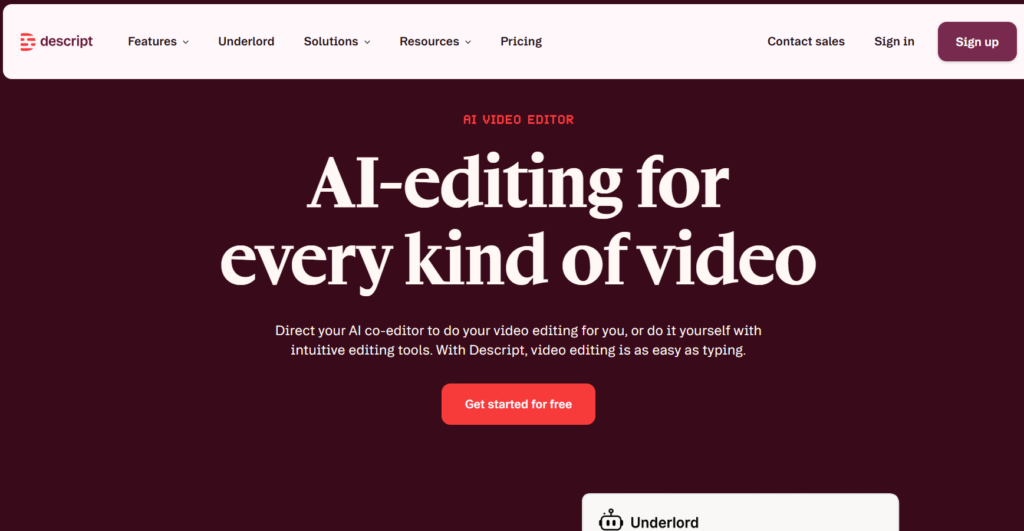
- Descript is built for editing and repurposing recorded video and podcasts.
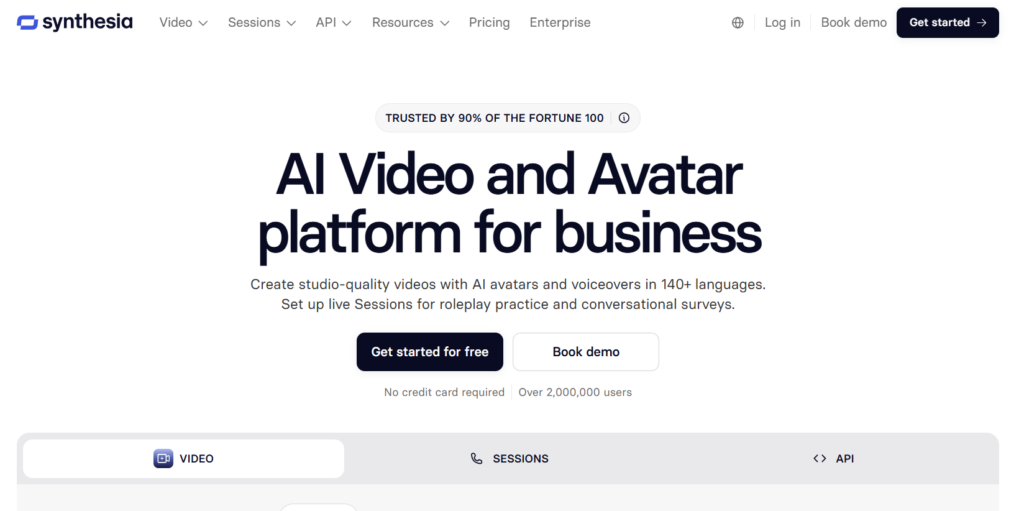
- Synthesia does something different, producing presenter-driven AI videos that are incredibly advantageous for training, explainers, and marketing.
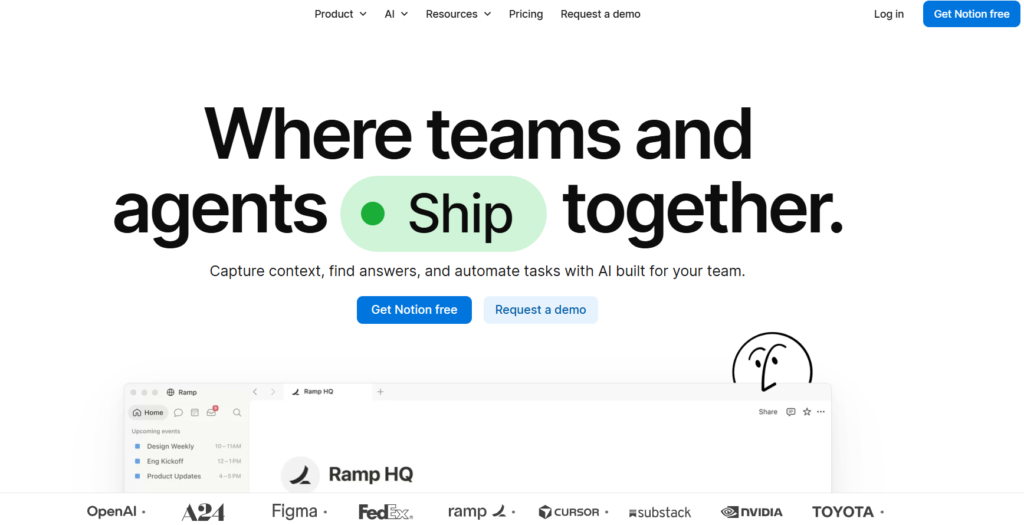
- Lastly, Notion AI adds content generation to notes, documentation, planning, and team workflows.
How We Evaluated the Best AI Content Creation Tools
We assessed these AI content writing tools based on their ability to support real content workflows, not just the number of features. The HubSpot Marketing Trend Report says that “42.5% of marketers use AI for content creation extensively and 38% use it occasionally.”
This clearly shows that AI is useful in content creation when you use it wisely.
Primary content job: The key role the tool is designed to support the user in creating or managing.
Content types: Blogs, articles, creative copywriting, social posts, images, video(s), presentation(s), documentation, and other accepted formats.
Research & writing: How well it supports research, ideation, drafting, rewriting, and long-form writing. Ahrefs research found that “87% of respondents use AI in their content creation; on the other hand, the most common content generated from AI is blog posts (87.1%), 67% write landing pages, and 63% use it to generate social media posts.”
SEO & GEO: If it helps with SEO optimization, search visibility, and AI-search-related workflows.
Editing: Grammar, rewriting, polishing, tone adjustments, and content enhancements.
Brand voice: Choices about a brand’s consistent style, messaging, and tone.
Streamlining: If repetitive content tasks and workflows can be streamlined.
Collaboration: Capabilities that enable teams, content processes, and joint workflows.
Visual & video creation: If it can help create or support visuals, graphics, images, presentations, or videos.
Free availability: If users can access a free plan or free version, then document that.
Pricing: Include pricing if the research provides it.
Limitations: Critical problems or work restrictions users need to know about before selecting a tool.
Comparison of AI content creation tools
| Tool | Best For | Content Types | SEO | Price and free option | Main Limitation |
| ChatGPT | General content | Blogs, ideas, social, drafts | Partial | Available, but the advanced feature is $20, and a student plan is also available. | Requires human direction |
| Claude | Long-form | Articles, documents | Partial | Available, but Plus is $17 per month. | Less specialized SEO |
| Gemini | Google workflows | Research, drafts, Workspace content | Partial | Student free plan available. | Best value depends on Google workflow. |
| Jasper | Marketing teams | Campaigns, marketing copy | Yes. | Plus $68 per month. | More specialized/paid |
| Copy.ai | Marketing workflows | GTM content, workflows | Partial | Plus available for $28 per month. | Workflow-focused |
| Writesonic | SEO + AI search | Articles, research | Yes. | Starter plan: $79 per month. | More complex than basic writers |
| Surfer | SEO optimization | SEO articles | Yes. | Plus $82 per month. | Primarily optimization-focused |
| Grammarly | Editing | Existing content | Partial | Yes, available, but Pro is $12 per month. | Not a complete content stack |
| Canva | Visual content | Graphics, presentations, video | Limited | Yes, the Pro plan is $120 per year. | Not primarily an SEO writer |
| Descript | Video editing | Podcasts, clips, video | Limited | Pro plan: $16 per month. | Video-centric |
| Synthesia | AI video | Training, explainers | Limited | Starter plan: $18 per month. | Presenter/video focused |
| Notion AI | Workspace content | Notes, docs, planning | Partial | Free and available, plus $10 per month. | Strongest inside workspace workflows |
12 Best AI Content Creation Tools for 2026.
AI content creation is the most widely adopted task for marketers; with AI, you can create posts and write articles in minutes. You can also explore the best B2B content creation services for more in-depth insights.
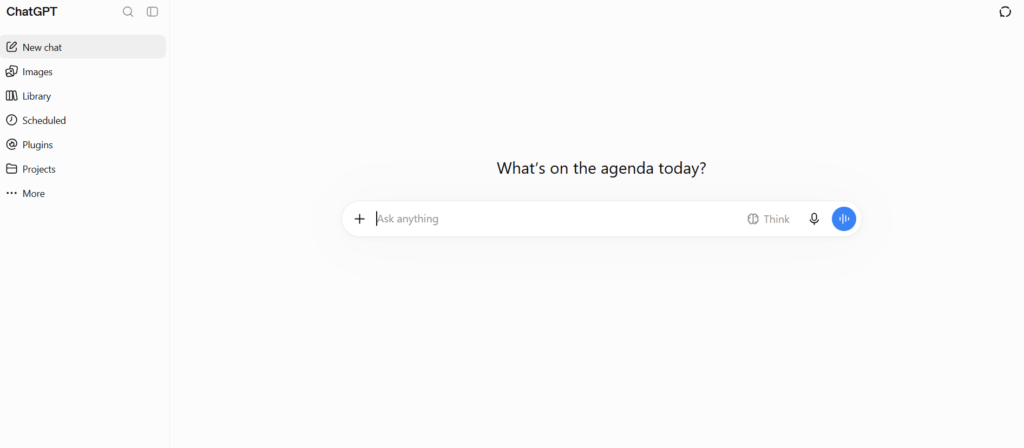
1. ChatGPT: best for general AI content creation.
What does it do?
ChatGPT is a general-purpose AI tool designed for brainstorming, research, writing, rewriting, summarizing, and repurposing ideas and texts.
Who is it for?
Bloggers, marketers, businesses, and creators who need a single tool for multiple content needs.
What can I make?
Blog outlines, articles, social posts, emails, briefs, product copy, and variations of content.
The problem it solves?
It minimizes the blank-page problem and speeds up repetitive content tasks.
Limitation
No, it’s not a replacement for source verification, strategic SEO research, or editorial judgment. Human editors must fact-check and edit AI-generated content to create AI-optimized content before publishing. This study positions ChatGPT, Claude, and Gemini as content spas, not just writers.
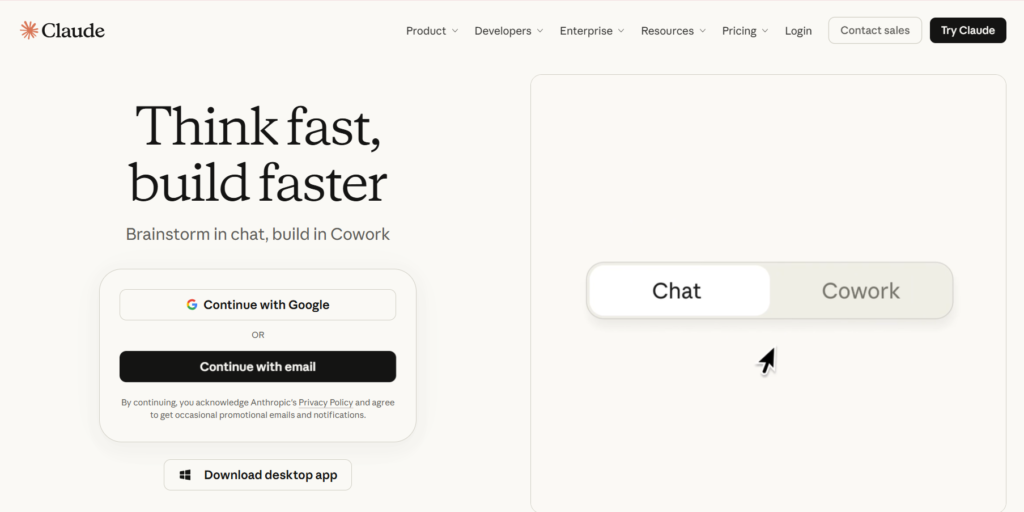
2. Claude: best for long-form content.
What does it do?
Claude can handle long-form drafting, structured writing, editing, research, and document-related content.
Who is it for?
Bloggers, marketers, and professionals who work with long documents and long-form content.
What topics can I write about?
Long-form articles, reports, outlines, rewrites, summaries, and structured articles.
What problem does it solve?
It can handle large chunks of content and maintain context across longer flows.
Limitation
Claude is not a standalone SEO optimization tool; people who need SERP analysis or optimized content for specific purposes may need a different tool alongside Claude. It singles out Claude as a player in long-form writing and document workflows.
3. Gemini: Best for Google Workspace Content.
What does it do?
Gemini supports research, drafting, rewriting, and content workflows integrated with Google’s ecosystem.
Who is it for?
Teams, businesses, writers, and marketers are already using Google Workspace heavily.
What do I want to write about?
Create workspace-based content (such as drafts, documents, ideas, summaries, emails, and more).
What problem does it solve?
It minimizes the “slip” between content creation and the Google tools teams already use.
What are some of its drawbacks?
Its biggest workflow benefit is for users committed to Google’s ecosystem; it may not be as compelling if content is produced mainly outside of Workspace. The Google-owned marketing team uses Gemini 15% of the time for code writing, campaign concepts, data analysis, and scriptwriting.
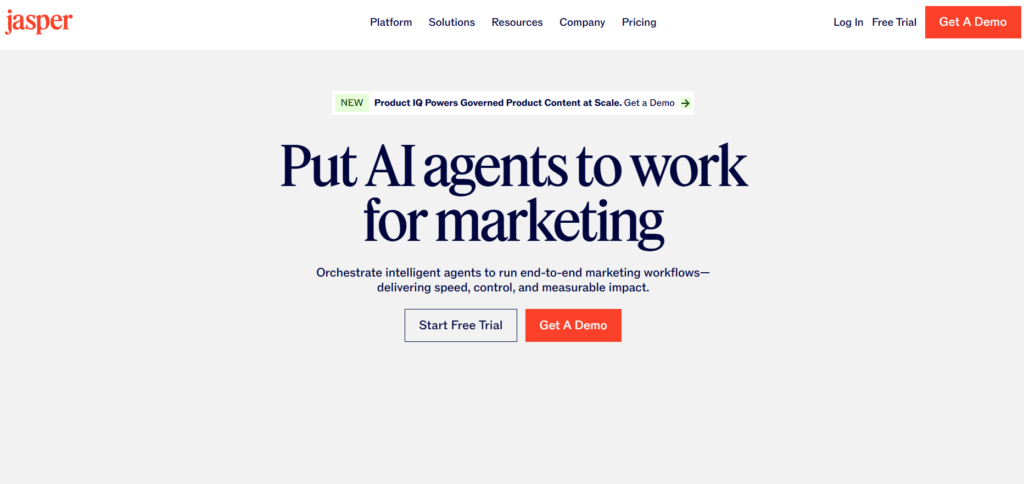
4. Jasper: best marketing content and brand voice.
What does it do?
Created by the brand experts at Digital.com, Jasper helps marketers ensure content consistency, manage content operations, run campaigns, and create AI-driven marketing workflows.
Who is it for?
Content teams, agencies, and businesses creating content at scale and wanting consistent messaging.
What type of content do I want to make?
Content created for campaigns, marketing copy, branded content, and other marketing materials.
What is its purpose or problem-solving?
It helps the team stay aligned with the brand context and maintain consistency across repeated marketing activities.
What are its drawbacks?
If a blogger or small creator only needs occasional drafting, a specialized marketing platform may be more than they need. The research highlights Jasper’s focus on brand consistency, content operations, AI agents, and AI-search visibility.
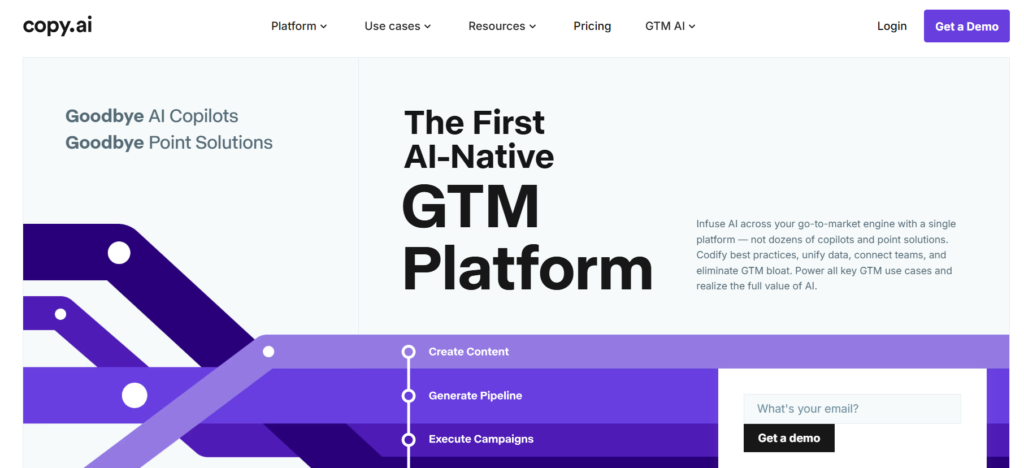
5. Copy.ai: best for repeatable marketing workflows.
What does it do?
Copy.ai is primarily built for repeatable marketing and go-to-market workflows, using AI generation, research, web scraping, and automation.
Who is it for?
Marketing teams and businesses that need repeatable content workflows, not just AI writing now and then.
What can I put together?
GTM content, marketing assets, research-based drafts, and workflow-driven content.
What is the issue that it resolves?
It connects multiple content-production actions in a workflow, reducing repetitive manual work.
What are some of its limitations?
If you only create an article or social post a few times a year, you may not need its workflow and automation features. The research emphasizes its ability to repeatably chain generation, web scraping, research, and more into repeatable workflows.
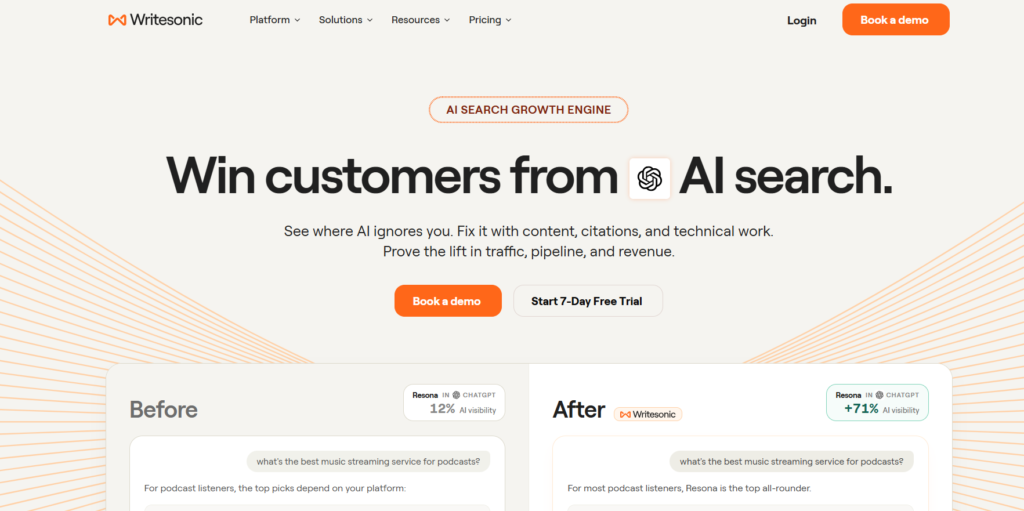
6. Writesonic: best SEO and AI-search content
What does it do?
- Produces keyword-driven articles and supports AI-driven content workflows.
- Integrates research, citations, content review, and SEO workflows.
- Facilitates structures for AI-search visibility.
Who is it for?
- SEO professionals
- Content marketers
- Bloggers crafting content for search engines
- SEO & AI search teams
What can I do with it?
- SEO articles
- Research-backed content
- Search-optimized website content
- AI-search-oriented content structures
What problem does it solve?
- It integrates research, citations, SEO optimization, and content review into a more streamlined content workflow.
- It can help speed up the research-to-optimized-article process.
What can it not do?
- It’s more focused than just an AI writing tool.
- Search-intent analysis, original expertise, source verification, and human editorial review are not optional when using SEO and AI search optimization.
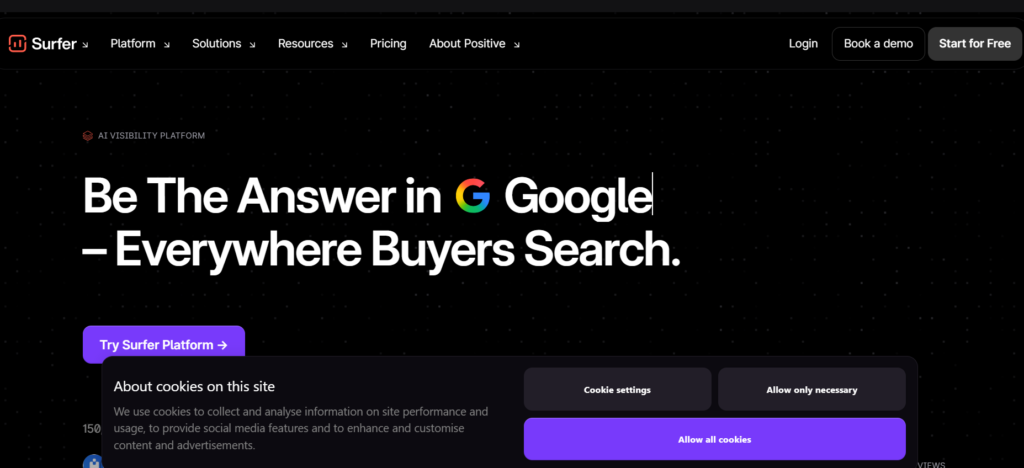
7. Surfer: best SEO content optimization tool.
What does it do?
- Interprets search results and offers SEO-optimized content ideas.
- It seamlessly integrates competitive context, brand awareness, SERP-based outlines, and AI-powered optimization tools to enhance its content editor workflow.
Who is it for?
- SEO professionals
- Content marketers
- This includes bloggers who concentrate on organic search.
- Companies that focus on SEO when producing content.
What kind of content can I make using it?
- SEO-focused blog content
- Search-driven outlines
- Optimized website articles
- Context around competitive SERP.
What problem does it solve?
- It raises awareness for content teams about competitive search context and helps them fine-tune content based on context signals.
- Can integrate SEO into the content creation process, not just as a last step.
What are the restrictions on it?
- It’s most useful where there’s a strong emphasis on the SEO aspect.
- However, optimization should never be coupled with search-intent analysis, originality, expertise, and useful information for readers.
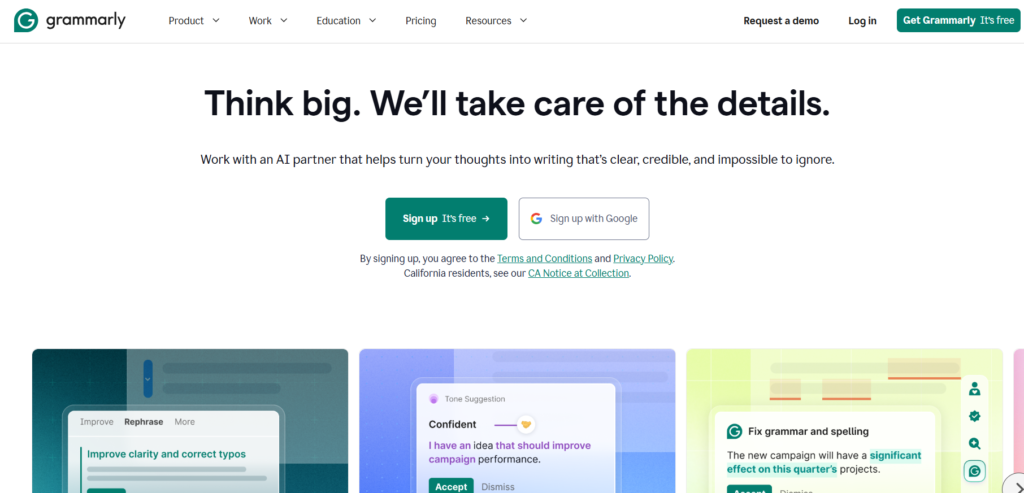
8. Grammarly: Best for Editing and Content Refinement.
What does it do?
- Enhances existing material by editing and using AI to rewrite it.
- It focuses on grammar, clarity, tone, and overall content refinement. 38% use Grammarly for editing and refinement.
Who is it for?
- Bloggers
- Content writers
- Marketers
- Students and professionals
- Anyone who has worked on drafts, AI-generated or otherwise
What kinds of things can I make by using it?
- Edited blog posts
- Refined marketing copy
- Professional communications
- Rewritten and improved existing content
What problem does it solve?
- It can improve AI-generated or human-written content to make it cleaner, clearer, and more readable.
- It is very useful as an editing layer once the initial draft is done.
What are some of its restrictions?
- Not a full-fledged research-to-publication content platform.
- More in-depth research, SEO optimization, and visual or video creation may require additional tools.
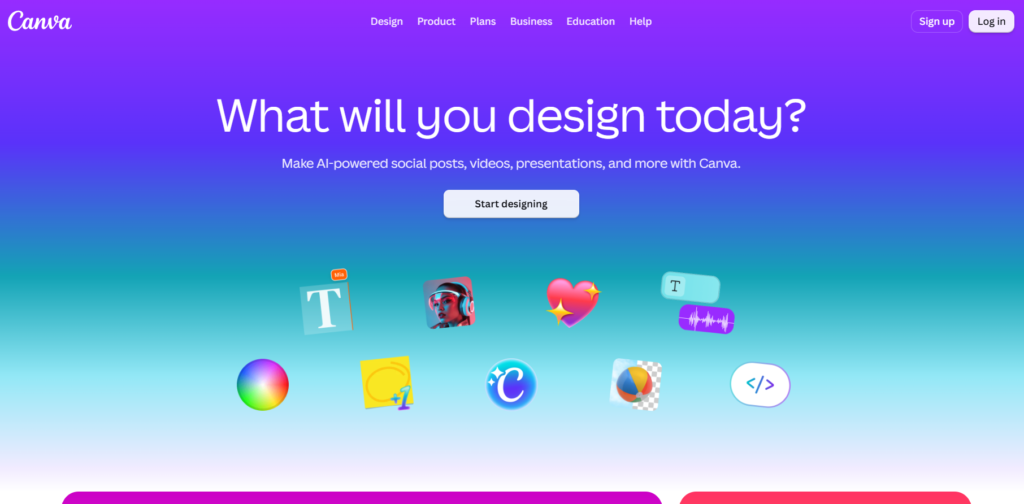
9. Canva: Ideal for visual content creation.
What does it do?
Enables AI-based writing, image generation, video creation, video editing, video animation, translation, and bulk content processes. Canva has “260 million monthly visitors at the end of 2025, and social media posts are its most famous category, where users create 2 billion designs during the year.”
Who is it for?
- Social media marketers
- Content creators
- Businesses
- Anyone designing visual content, including non-designers.
- Groups reworking content in several different forms
What can I design using it?
- Social graphics
- Presentations
- Images
- Videos
- Visual marketing assets
- Translation and scale of content.
What is its purpose?
Write out multiple variations of one content idea in a variety of visual formats. For instance, you can convert a single article into an infographic, presentation, social graph, or short video.
What are its restrictions?
It’s a content platform, but mainly visual-first, not a dedicated SEO content platform. If you’re writing an article designed to be found in search engines, you might need a different SEO or research process.
10. Descript: Best for AI Video Editing
What does it do?
- Enables AI video editing on recorded video/audio.
- Allows for the inclusion of transcripts and clips, removal of filler, and repurposing of content.
Who is it for?
- YouTubers
- Podcasters
- Video creators
- Marketing teams reusing recorded media.
- Anyone who is editing existing video or podcast content
What can I do with it?
- Edited videos
- Podcast content
- Short clips
- Repurposed video assets
- Transcript-based content
What problem does it solve?
It shortens the time spent manually editing recorded videos and podcasts.
While human judgment is crucial, AI can help locate helpful takes and remove filler or pauses.
What are some of its restrictions?
It is mainly oriented toward video and audio workflows.
It is not meant to be used as a replacement for a dedicated solution for SEO articles, visual design, or normal writing.
11. Synthesia: Best AI Video Creator.
What does it do?
- Produces presenter-based videos with AI avatars, scripts, documents, voice-over, and localization.
- There are over 160 different languages supported by the research reports.
Who is it for?
- Companies developing training materials.
- Organizations producing explainers
- Teams looking for a video akin to a presentation format without traditional video production.
What can I do with it?
- Training videos
- Explainer videos
- Marketing videos
- Avatar-led presentations
- Localized video content
What is the purpose?
- Transcribes scripts or documents to create video for a presenter.
- It can be used for teams creating video content for multiple audiences with voiceovers and localization.
What are some of its constraints?
- This is most useful for the desired output being video.
- For static graphics, editing, SEO optimization, or blog articles, something else might be better suited to your workflow.
12. Notion AI: Best for Workspace-Based Content Creation.
What does it do?
- Enables content creation within a workspace environment.
- It’s primarily used for notes, planning, documentation, and drafting.
Who is it for?
- Content teams
- Businesses
- Project teams
- Content planners and writers who are responsible for content plans, documentation, and/or other content-related systems.
- A few teams are already using it as their workspace.
What can I do with it?
- Notes
- Content plans
- Documentation
- Drafts
- Internal knowledge content
What is the problem that it addresses?
- It keeps planning, documentation, notes, and drafting in the same workspace.
- This can minimize transitions between tools while creating and producing content.
What are the limitations of this?
- It works best if you’ve already created content in the Notion workspace.
- It’s less specialized than SEO optimization, visual creation, or video production tools.
How to Choose the Right AI Content Creation Tool for Your Workflow
When you choose the right AI content creation tool, don’t look for a detailed list of tools. Focus on your workflow: do you need drafting, SEO writing services, outlines, article writing, or social media design?
The most effective team focuses on the right tool for each task rather than choosing one platform for everything. ChatGPT can’t make or edit interactive videos; that’s why you choose the right AI tools for your content creation.
| If your main problem is… | Consider | Why it fits |
| You struggle to start or generate ideas. | ChatGPT / Claude | Both are useful for brainstorming blog angles, creating outlines, identifying audience questions, generating headline options, and overcoming the blank-page problem. |
| You need help drafting long-form content. | Claude | Claude is often preferred for working with lengthy source material, creating detailed first drafts, summarizing long documents, and maintaining context across bigger pieces of content. |
| Your team works mainly in Google Workspace. | Gemini | Gemini is useful for marketers who create content in Google Docs, Gmail, Sheets, Drive, and Slides and want AI support within Google’s ecosystem. |
| You need a consistent brand voice at scale. | Jasper | Jasper is designed for marketing teams that need reusable brand voice settings, campaign workflows, content templates, governance, and team-wide consistency. |
| You want to automate multi-step marketing tasks. | Copy.ai | Copy.ai is useful for turning repetitive work—such as prospect research, outreach preparation, sales copy, product descriptions, and content repurposing—into automated workflows. |
| You need SEO-focused articles. | Writesonic / Surfer | These tools suit SEO content workflows because they support keyword-led briefs, on-page optimization, competitor/SERP analysis, content scoring, and optimization recommendations. |
| Your draft needs editing and refinement. | Grammarly | Grammarly is best used after drafting to improve grammar, clarity, tone, readability, conciseness, and consistency with a brand’s writing style. |
| You need social graphics or blog visuals. | Canva | Canva helps non-designers quickly create branded post graphics, carousels, infographics, blog-feature images, presentations, thumbnails, and simple videos. |
| You need to edit recorded videos or podcasts. | Descript | Descript is useful for editing audio and video through text, removing filler words, generating transcripts, creating captions, and cutting long recordings into short clips. |
| You need presenter-led videos without filming. | Synthesia | Synthesia is designed for AI-avatar videos, training content, product explainers, internal communication, onboarding, and multilingual presenter videos. |
| You need a central place for briefs and documentation | Notion AI | Notion AI works well for planning content calendars, storing research, summarizing notes, creating standard operating procedures, documenting brand guidance, and managing approvals. |
Free AI Content Creation Tools: What Can You Actually Do Without Paying?
| Tool | Free Plan | What You Can Do | Best Free Use | Main Limitation |
| ChatGPT | Free | AI-assisted writing, brainstorming, rewriting, research-style tasks, and content repurposing | Blog ideas, outlines, drafts, rewriting, and content repurposing | Lower usage limits and more restricted access to advanced capabilities than paid plans |
| Gemini | Free | AI assistance for everyday tasks, research, brainstorming, drafting, and Google-focused workflows | Research, drafting, summarization, and Google ecosystem content work | Usage limits apply; some advanced features require a paid Google AI plan. |
| Claude | Free | Writing, editing, brainstorming, document-based work, structured writing, web search, and other AI-assisted tasks | Long-form drafting, editing, and structured content | Free usage is limited and can vary based on demand and conversation complexity |
| Grammarly | Free | Grammar and spelling assistance, writing-tone information, and 100 AI prompts/month | Editing, proofreading, polishing, and improving readability | Advanced writing feedback and additional capabilities require paid access |
| Notion AI | Free to try | Notes, content planning, documentation, drafting, and AI-assisted workspace tasks | Testing AI for content planning, notes, and documentation | Complimentary AI responses are limited; continued AI access requires an eligible paid plan |
Conclusion
Not all of the most extensive AI content creation tools are the best—some suit your content workflow better. While ChatGPT, Claude, and Gemini are useful for research, ideation, and drafting, Jasper and Copy.ai are more useful for marketing workflows. Writesonic and Surfer are helpful for SEO content, Grammarly for editing, Canva for visuals, and Descript and Synthesia for video.
For those on a budget, free AI content creation tools can help you test workflows before investing in more advanced features, like ChatGPT, Gemini, Claude, Grammarly, and Notion AI. But AI should speed up content production, not replace human knowledge. Research, fact-checking, fresh perspectives, editing, and confirmation remain relevant.