How to Fix Technical SEO Issues on Website: Stop the Bloat

You publish high-quality, outstanding content with do-follow backlinks, but for some time, you lose your rankings. Google barely crawls your site. You’re not understanding what’s going on with the website.
You have no idea how to fix technical SEO issues on a website, which is a separate ranking factor for an existing website. Google crawls billions of pages in a day, but it never cares how well you write content if it can’t easily find, read, and index your page.
Common technical issues include junk, crawl errors, duplicate pages, poor site structure, and Google “crawl pages but not indexed.” These are the main reasons a website does not go to 1 page or sometimes disappears.
This doesn’t need a generic checklist; it needs to fix technical issues step-by-step, which gives you a guide on how to identify technical SEO problems on a website so you can easily solve them.
In this article, I’ll provide you with step-by-step guidelines on how to fix technical SEO issues on website. I will explain how to fix duplicates without a user-selected canonical on every plugin and e-commerce website. This guide breaks down every step for the exact errors shown in Google Console and provides solutions for each.
How to Fix Technical SEO Issues on Website Before You Touch Anything
What’s the #1 error you can make on websites?. They begin fixing things before they realize there is a problem. It’s similar to disconnecting random cables and reconnecting the internet. So you need a technical SEO and on-page SEO guide to overcome all website issues and help you rank higher in Google.
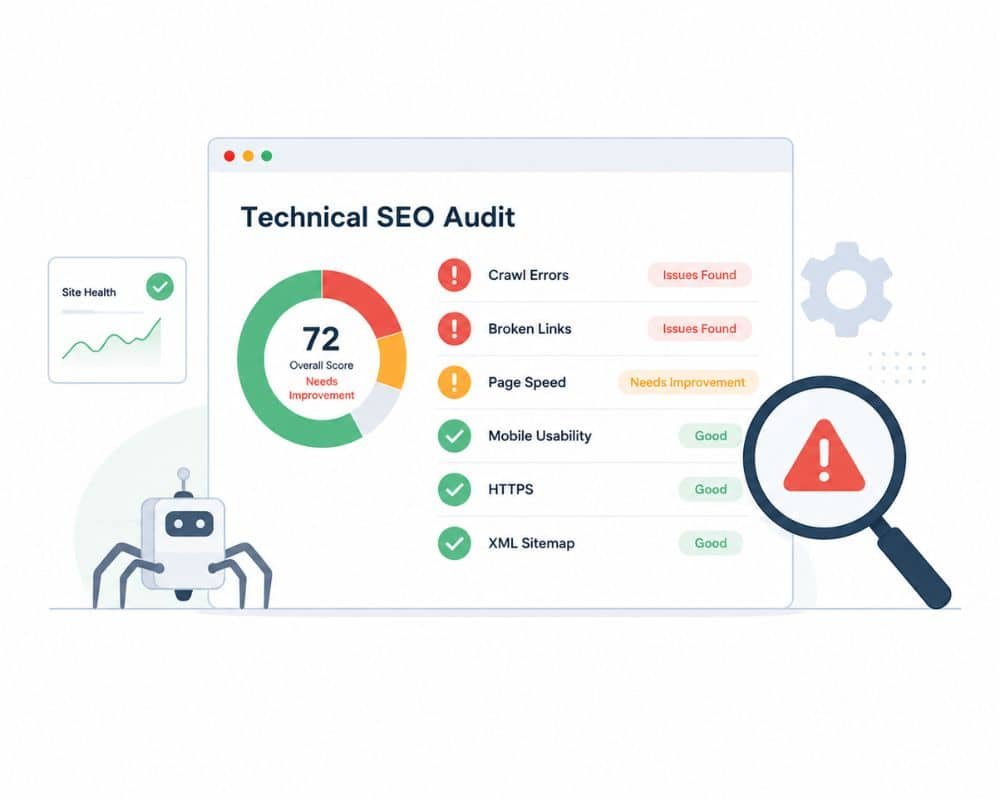
Do a proper diagnosis first. These are the 3 tools you need—and they’re all free to use and easy to get started with:
- Google Search Console (GSC): This is your site’s Google report card. It provides information on the indexed and excluded pages, the errors found, and the Core Web Vitals performance. If only one tool is to be used, this is it.
- Screaming Frog SEO Spider (free up to 500 URLs): This crawls your site as Googlebot does. Delivers the identification of broken links, redirect chains, missing tags, duplicate content, and thin pages in minutes.
- Google PageSpeed Insights: Enter any URL and receive a comprehensive Core Web Vitals report (LCP, CLS, INP), including actions to improve the performance of that page.
Red Flags to Spot in Your First Audit Session
After you’ve navigated into these tools, you’ll spot these right away:
- Noindex is applied to pages that shouldn’t be indexed (after migrations).
- Google should not ignore URLs in robots.txt.
- Long chains of 301/302 redirects (three or more hops)
- Any URLs that do not exist but have links pointing to them will return a 404 error.
- Have multiple titles or meta descriptions for the same page on multiple URLs.
- Pages that have been crawled but are not indexed in GSC Coverage
- Mixed content warnings: HTTP assets loading on HTTPS pages.
More than 2 or 3 of these? Your technical debt is a problem, not a content problem!
Common Technical SEO Issues and Fixes That Actually Impact Your Rankings
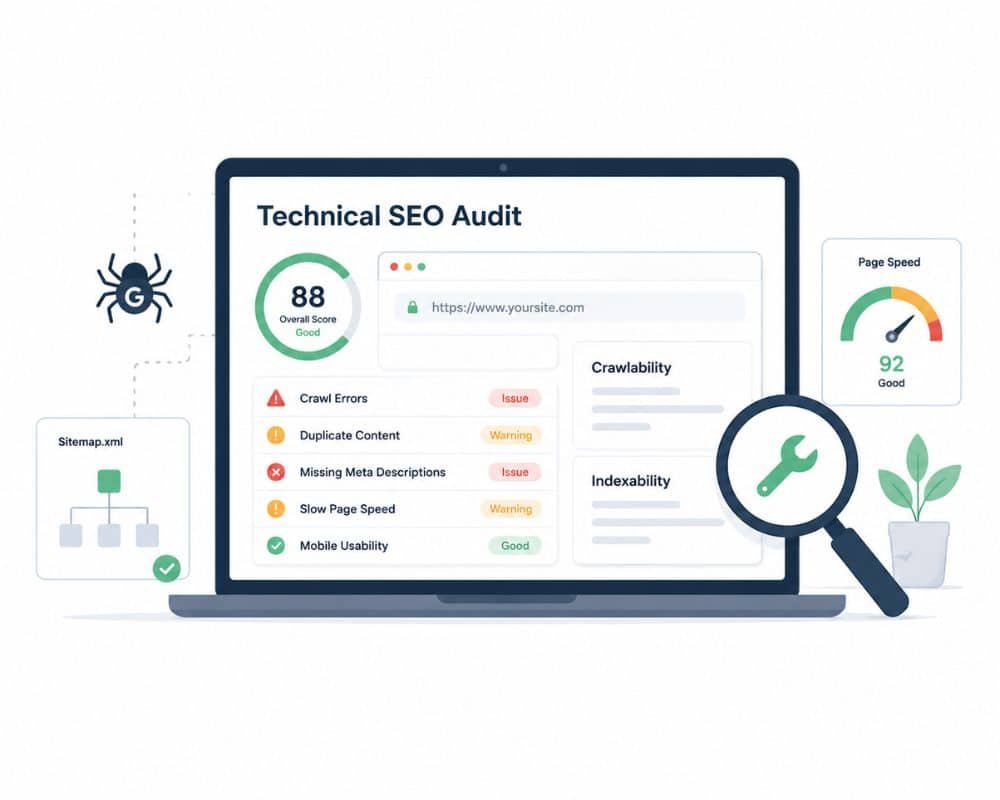
Not all technical problems are the same. Some warnings issued by GSCs are noise. These are the ones that you are paying for.
Crawlability Blocks: When Robots.txt is Your Enemy
An incorrect “Disallow” statement in your robots.txt may keep Googlebot from crawling your most important pages without you realizing for a while, until your rankings drop.
This is the most common situation when a site migration or CMS change occurs, or when a developer mistakenly pushes a staging robots.txt to production (which usually prohibits everything).
Correct it: Visit https://yourdomain.com/robots.txt in your browser. Review all your Disallow rules with your live URL structure. Before assuming anything, make sure that Googlebot can access your most important pages with Google’s robots.txt tester in Search Console.
The hidden crawl budget drainers: Redirect Chains and 404 Errors
Each redirect hop is a time investment for Googlebot, and it’s a loss of link equity. If you have a URL structure—a redirect to B, a redirect to C, and a redirect to D—then Google will need to make 4 requests to get to your ultimate page. When this occurs on a big site, it quietly ruins the ability to crawl.
Fix it: Analyze your domain with Screaming Frog. Navigate to Response Codes > Redirection and filter for redirect chains. For each chain, remove all redirects so that the original URL always goes directly to the final destination via a single 301 redirect. If a 404 error occurs on a page with backlinks, it should be restored or redirected to the most appropriate live page.
The Core Web Vitals Failures Explained (LCP, CLS, and INP)
In 2021, Google officially announced that Core Web Vitals would become a ranking factors, and they remain a live factor in 2025. Here are the definitions of each in language that will stick in your mind:
LCP (Largest Contentful Paint): Time to load the largest piece of content within your main content. Target: under 2.5 seconds.
CLS (Cumulative Layout Shift): The extent of your page’s movement during loading. Target: below 0.1.
INP (Interaction to Next Paint): The time it takes for your page to respond to a click/tap. Target: under 200ms.
Optimize it: Compress hero images for LCP and serve them as WebP. CLS—always use width and height on images and iframes. Reduce and audit JavaScript blocking the main thread for INP.
How to Fix “Duplicate Without User-Selected Canonical” in Google Search Console
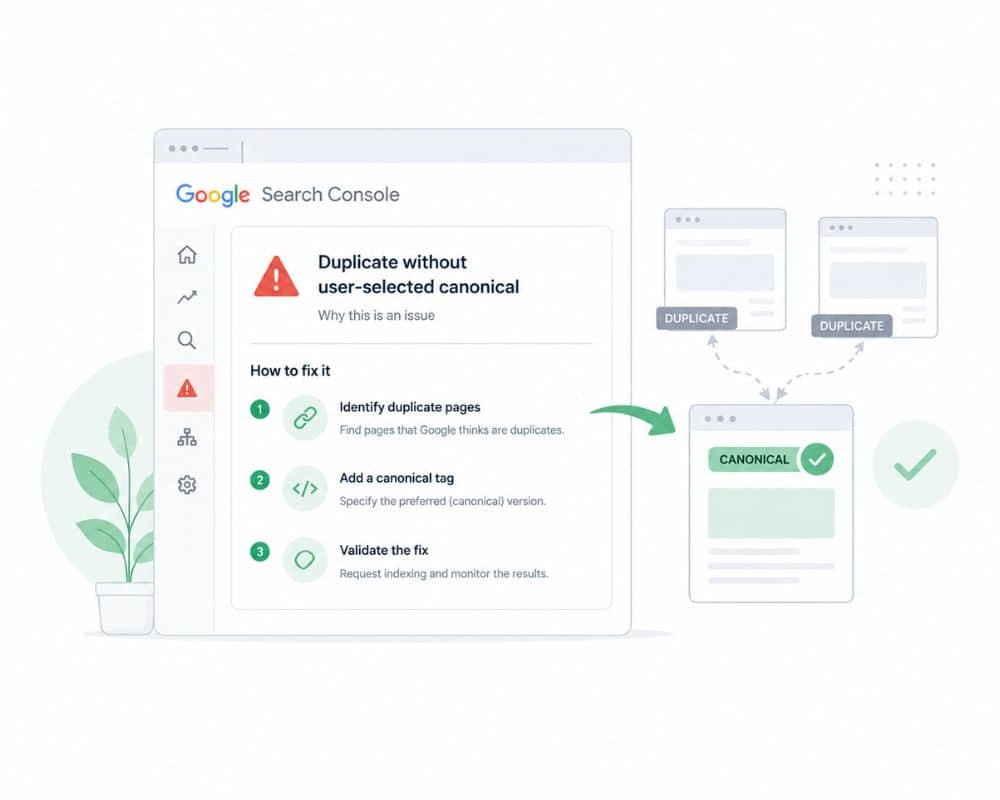
You might have noticed this error in your GSC coverage report and not have known what it meant—you’re not the only one. One of the most frequently encountered and misinterpreted problems on the platform.
This error also indicates what it means.
If Google discovers two or more URLs that point to the same content and you don’t tell it which is the “true” version, it will choose which to rank—that might not be the one you want.
The most common causes:
I think this is a result of many websites targeting the same keywords. I believe this is due to many sites targeting the same keywords.
- This is the same for both https:// and http:// versions.
- Trailing slash vs. no trailing slash (/page/ vs. /page)
- Duplicate pages from URL parameters (/?ref=social vs. /page)
Google isn’t penalizing you. It’s confused. A confused Google is a Google that isn’t ranking you very well.
Properly fix duplicates without a user-selected canonical
The solution is a simple line of HTML code that you can add to <head> of each page on your site:
html<link rel=”canonical” href=”https://www.yourdomain.com/exact-page-url/” />
In WordPress (Yoast SEO): Navigate to each post or page, then open the Yoast SEO panel (Advanced tab), and set the canonical URL field. No coding needed; Yoast does it for you.
When using Shopify: You will need to edit the theme. liquid file. Canonical tags are automatically added to product pages on Shopify, but make sure they’re not added to the wrong variant URL; rather, they should be added to the correct one (which is not a parameterized one).
On custom HTML sites: Manually or through your templating system, add the canonical tag to the <head> of each page.
Critical rule: Ensure your canonical URL matches your sitemap URL exactly, including protocol, www preference, and trailing slash treatment. If you’re inconsistent, the error persists after you’ve given it the tag.
The above phenomenon is known as canonicalization
How to Fix Indexing Issues in Google Search Console: The Real Causes
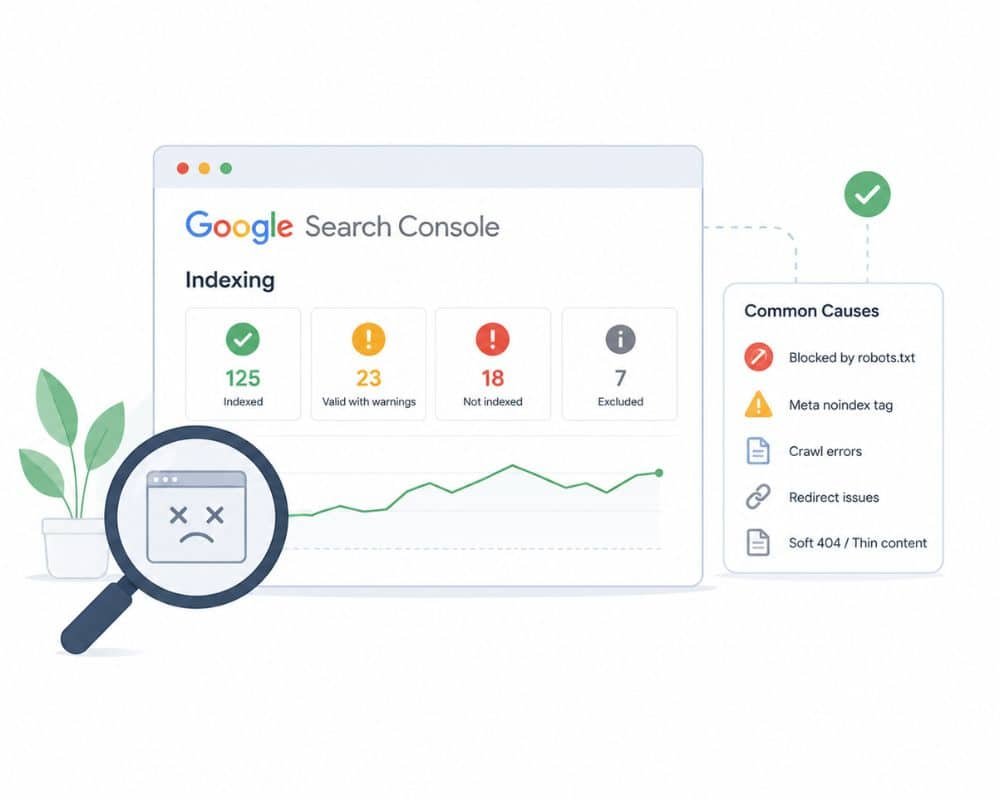
The Coverage Report is undoubtedly the most potent feature of Search Console, and most site owners only look at it once and move on to another tab. That’s a mistake.
Let’s decode the coverage report and what each status actually means
| “CrawledStatus | What it mean | What to do |
| Valid | Indexed, No problem | Leave it alone, all set |
| Valid with warnings | Indexed page, but something is wrong | Investigate which warning it gives for the page. |
| Excluded | Deliberately, not indexed | Verify it’s intentional. |
| Error | Blocked for indexing | Fix immediately |
| Crawled but not indexed | Google knows the page exists, but it isn’t indexed. | Crawl budget issue |
Craweled page but Not Indexed”: This is a crawl budget issue.
This means Google has spotted your page but doesn’t have the resources to crawl it at the moment. When a site has a lot of thin content, paginated URLs, tag archives, and parameter-based duplicates, Google’s crawlers will get mired in sub-optimal pages and never be able to find your valuable pages.
Address the problem and solve it.
It’s one step at a time.
- If you have tag pages, empty category pages, or paginated URLs (beyond page2) that are thin or low-value, include ‘nofollow’ or ‘noindex’ in the robots meta tag.
- Exclude these URLs from your sitemap that cannot be indexed.
- Repair broken internal links (or internal link recycling): Dead-end links (or link recycling) consume crawl budget.
- Make sure your XML sitemap includes only the pages you want indexed.
- Add or update your sitemap in GSC, under Sitemaps.
- Request a re-crawl of priority pages using the URL inspection tool.
Sitemap Best Practices Before You Request Indexing
Do not click ‘Request Indexing’ in GSC for a broken page. Google does not guarantee that pages will be indexed, even if they are healthy, but sending a request to crawl a page with severe errors is just a waste of requests.
Before requesting: Check that the page returns a 200 status code, has no mobile usability errors, has a valid canonical pointing to itself, and is not blocked by robots.txt in the URL inspection. First, fix all of that! Then request.
How to Fix Technical SEO Issues Step by Step: Your 3-Tier Priority Plan
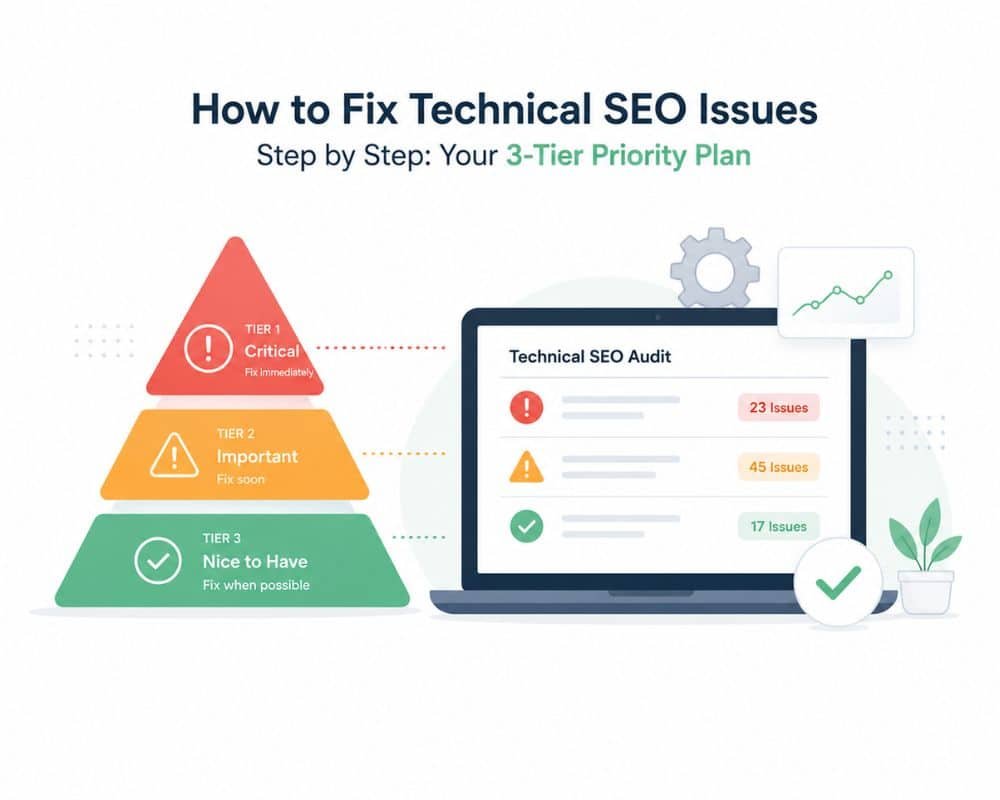
It’s not all that has to be repaired today. Without a priority system, it takes you three hours to work on a warning that would have no impact on any ranking; meanwhile, a canonical error is dropping your best pages.
Tier 1 — Fix This Week (Critical Issues)
These are ranking damaging and direct. Pause for the following and attend to these first:
- Clear all GSC coverage errors (particularly server and redirect).
- Fix ‘duplicate without user-selected canonical’ on your main pages
- Remove all redirect chains and replace them with 301s.
- Check robots.txt to see if it’s preventing important sections of your site from being indexed.
- Ensure all traffic is always served over HTTPS and that it is the preferred version.
Tier 2 — Fix This Month (High Impact)
- Optimize LCP on the top 10 landing pages (begin with optimizing images)
- Ensure structured data markup exists and is correct (article, breadcrumb, and FAQ schema).
- Make sure that no pages are orphaned—pages that have no links within the site that lead to them
- Submit a new XML sitemap after cleaning it up.
- Deal with mobile usability issues in GSC
Tier 3 — Ongoing (Monthly Maintenance)
Perform a Screaming Frog crawl on a monthly basis. Check weekly your GSC coverage and Core Web Vitals reports instead of every 3 months. Record all structural changes with a date. Your changelog is your diagnostic tool when ranks move out of order.
Conclusion
You’ve reached this far, and you already know a secret most website owners don’t know how to fix technical issues with a website isn’t something you can do if you want to; it’s something you need to do.
Google simply will not index, crawl, or rank a site that it cannot. The quality of the content doesn’t matter. If your foundation has cracks, whether it be a robots.txt file blocking your top pages, a canonical tag that is pointing to nowhere, or a sitemap with tons of URLs that Google should never see, everything that’s built on top of it becomes unstable.
Now you know the whole story. You can discover technical SEO issues on your website without them quietly taking your rankings for months. You are familiar with the top technical SEO problems and solutions that actually impact your site’s performance — and not merely your audit grades. You understand how to resolve “duplicate without user-selected canonical” errors, why Google is fooled by different URLs, and how to fix them with a single line of HTML in each CMS. You understand that you need to get to the bottom of the indexing problem in Google Search Console and aren’t just pressing “Request Indexing” in the hope it will work out.
Most importantly, you have a prioritized list of how to fix technical SEO issues step-by-step that will eliminate overwhelm. There’s no need to clean everything up today. He just needs to make the correct adjustments initially.
Start with Tier 1. Open Google Search Console now, click on the Coverage report, and view any errors. This is where people are losing your ranking, and this is how you can bring them back.