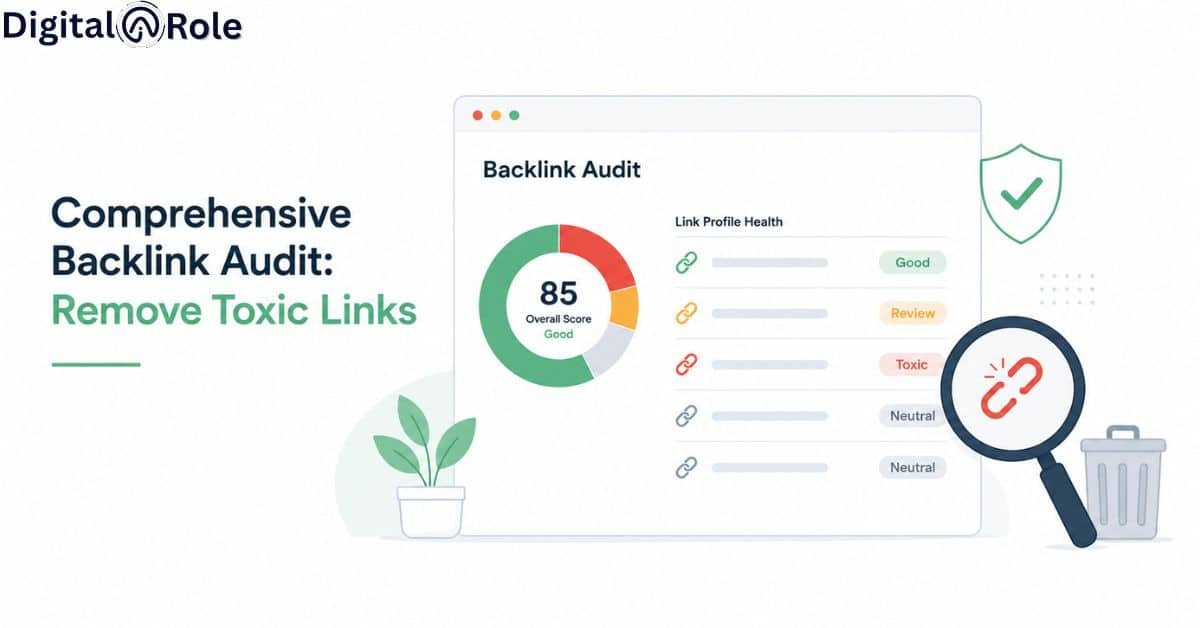
Comprehensive Backlink Audit: Remove Toxic Links
If you suddenly lose your organic traffic, a spammy, toxic backlink is the main cause. Many web admins spend $ 1,000 on their backlink strategy, only to lose organic traffic and incur Google penalties for toxic or unnatural links.
But with a comprehensive backlink audit, you analyse, evaluate, and clean your external backlink portfolio to remove spammy, unnatural, and toxic links, helping maintain your SEO performance amid Google’s spammy updates.
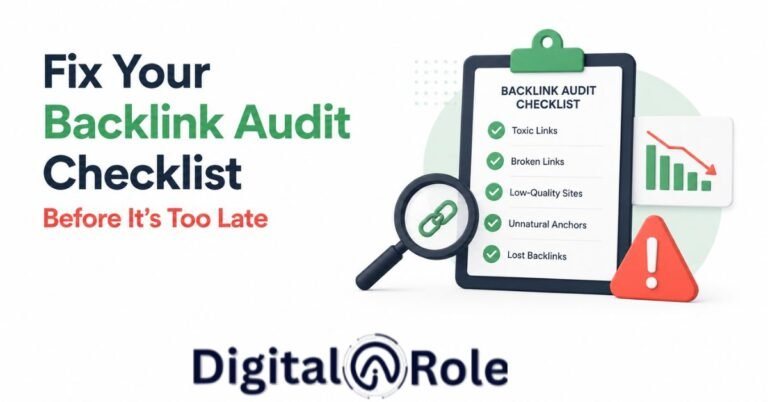
You can audit backlinks with a quick link checker. Still, manual link checking conducts a professional backlink audit and removal from the pulling backlink profile, analyses toxic backlinks to remove them, and monitors the overall performance of the backlink profile audit.
This backlink audit checklist provides you with technical analysis, a manual overview, and strategic actions to restore your website’s authority and visibility. If you’re recovering from Google penalties, perform a toxic backlink audit and establish quarterly maintenance, but you can’t understand what to do. In this article, I explain how to perform a backlink audit, provide a step-by-step framework for backlink audit and removal, and share industry case studies and strategies used by SEO experts.
Here’s what we’ll cover:
1. What is a backlink audit, and why does it matter?
2. How to do a backlink audit: step-by-step checklist
3. How to identify toxic backlinks
4. Backlink audit and removal: how to clean your profile
5. Backlink profile audit: evaluating your overall link health
6. Backlink profile audit after a traffic drop: recovery guide
7. How often should you run a backlink audit?
What is a backlink audit, and why does it matter?
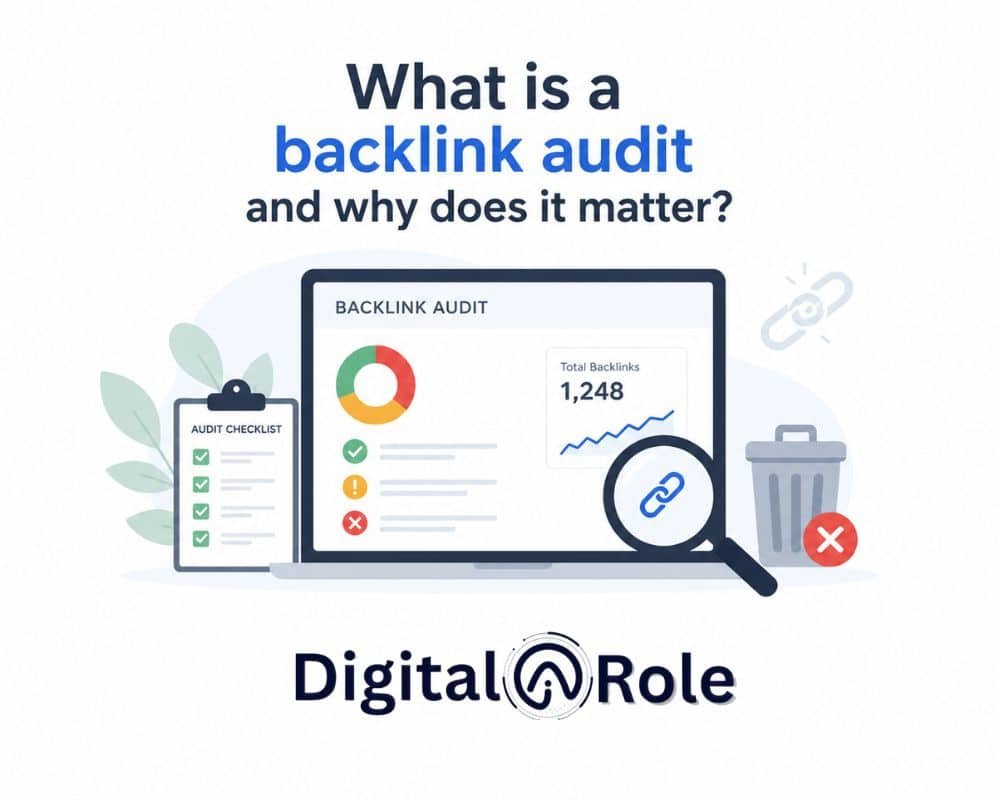
A backlink audit is a comprehensive analysis of all external links pointing to your website. It is based on the quality and relevance of the link from an authoritative, credible site. Each link explains which backlinks improve SEO performance and which cause harm. The goal is to maximise your site authority and eliminate the Google penalties.
Think of a backlink as a credible vote from another website that gives to you. High-quality backlinks for SEO are enough to rank higher than spending your budget on spammy ones.
. A combination of high-quality, pertinent links from authorities helps increase your creditworthiness in Google’s eyes. However, links on spam websites, low-quality directories, or negative SEO attacks by competitors can push your score down, even to the point of a manual action or algorithm penalty.
What is considered a backlink?
Any hyperlink of an external site to your domain is considered a backlink. However, not all backlinks are created equal. It is essential to know the difference:
Dofollow backlinks pass link equity and authority to your site. These have SEO value and impact on your ranking.
Nofollow backlinks are not considered to pass link equity (rel=’nofollow’ tag). They do not necessarily increase rankings but can result in referral traffic and brand exposure.
Referring domains tally every distinct site in isolation, even though you could get numerous links on the same domain. A site with 100 referring domains is better than one with 1000 links across 5 domains.
Anchor text refers to the text that is clicked on in a hyperlink. Anchor text that is over-optimised (e.g., 50 links all with your exact-match keyword) is unnatural, and it causes spam filters.
How Google Relies on Backlinks as a Ranking Signal.
Since the very inception of PageRank, backlinks have formed the foundation of Google’s ranking mechanism. The basic tenet is unchanged; links are recommendations.
A connection between a respected, authoritative site and your content will make Google think that your content is trustworthy and worthy of a better ranking. The more high-quality links you have, the stronger your website’s authority becomes. The best way to attract links is to create content that earns backlinks, featuring original, useful data that other sites link to.
Nonetheless, the Penguin algorithm (introduced in 2012), introduced by Google, fundamentally altered the way the search engine handles links. But modern link spam focuses on unnatural, manipulated, and spammy linking patterns. The algorithm has advanced to identify the following:
- Oversized keyword-laden anchor text.
- Purchasing links from link farms or PBNs (private blog networks).
- Links with irrelevant or poor-quality sites.
- Links on hacked or compromised sites.
- abrupt, unnatural peaks of link acquisition.
New versions of Google systems, such as MUM, PageRank-like signals, and the Helpful Content Update, now incorporate indicators of topical authority, content quality, and user experience alongside link signals. However, backlinks remain among the top three ranking factors, and it is essential to maintain a clean link profile.
Indications Your Backlink Profile Requires an Audit ASAP.
In backlink statistics, “62% of SEO experts prioritize quality of the link instead of quantity.” This conveys a clear mindset that quality matters more than quantity. There is no need to wait for a crisis before you audit your backlinks. Be aware of the following red flags:
Sudden traffic drop (20%+ decrease): A sudden, unexplained drop in organic traffic is usually an indicator of a penalty. Confirm whether a notice of manual action was added in Search Console by Google.
Manual action notice in Google Search Console: Google explicitly notes two items in Manual Actions: Unnatural links pointing to your site. This is a good indication that your link profile requires cleaning up.
Ranking loss on target keywords: It only took you 5 years to suddenly lose 3-5 pages with your main keywords; the links are worth looking into.
Post-link-building campaign: Once you have given a push to link acquisition, audit your new links. Ensure all links point to relevant, high-quality sources.
Competitor negative SEO attack: When a competitor has already launched a negative SEO attack by building spammy links to your site, you will then see sudden, low-quality referral domains show up in tools such as Ahrefs or Semrush.
How to carry out a backlink audit checklist: Step-By-Step
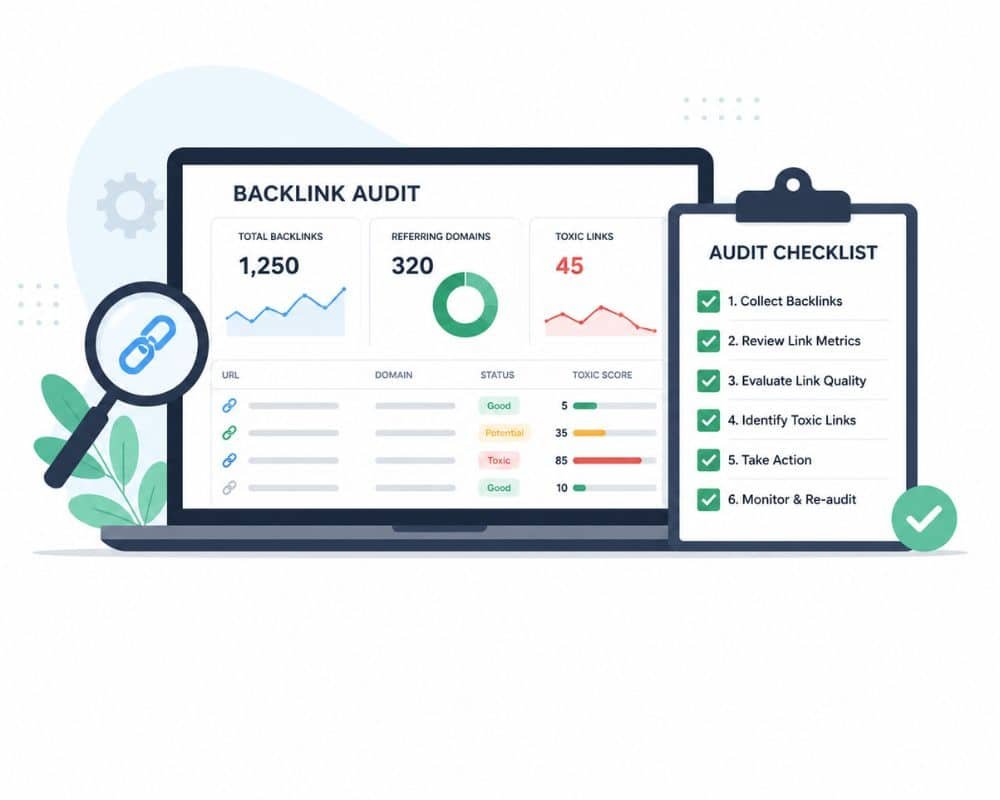
A backlink audit checklist provides you with an opportunity to have a repeatable, systematic process. The following is the step-by-step outline utilised by expert SEO auditors.
Step 1: Retrieve Your Complete Backlink Information (Tools Overview)
Before you can audit, you need data. The three industry-standard tools are
Google Search Console (Free): Displays links that Google has actually crawled and indexed. It is the official, the most authoritative source, yet it has a limited range of filters. Fetch all of the referring domains.
Ahrefs backlink checker: The largest index of backlinks (more than 20 billion links). The
The Ahrefs backlink audit tool enables you to filter by domain rating, anchor text, and link type. Most suitable for a thorough analysis.
Semrush Backlink Audit Tool: This combines the Semrush index and proprietary toxicity scoring. This tool also marks and prioritises toxic links, which manual review can save time.
Best practice: Combine 2+ tools. Semrush and Ahrefs use different link crawlers; thus, they might discover links that the others overlooked. Cross-reference data to cover as much as possible.
Step 2: Google Analytics Traffic Correlation.
The following is one of the questions that most auditors have difficulty with:
What is the reason to relate Google Analytics to a backlink audit?
To correlate link velocity to changes in traffic. When you get 50 new links and traffic drops 2 days later, then it is likely that those links are toxic. On the other hand, when good links cause traffic spikes, you can determine the best sources of links.
Integration steps:
1. Google Search Console to connect your GA4 property through Admin settings.
2. Retrieve your Organic Search traffic chart in GA over the last 12 months.
3. Within Ahrefs or Semrush, compare the new links that you got within a month against your traffic pattern.
4. When traffic shot up after being linked to high-authority domains, these were good links and saved. In the event of traffic loss, the new links are likely to be toxic.
Step 3: Select Your Links (Good, Neutral, Toxic)
None of the suspicious links is removed. It is a simple 3-tier framework to prioritise:
GREEN (Good links): DA/DR 30+, relevant niche, natural anchor text, from editorial/organic sources. Keep and promote.
YELLOW (Neutral links): DA/DR 10-29, mixed relevance, moderate spam score (20-40). Mostly safe to hold; will do no good, will do no harm.
RED (Toxic links): DA/DR less than 10, insignificant niche, spam score 50+, stuffed with keywords anchor text, from hacked websites or PBNs. Remove immediately.
Step 4: Score and Prioritise Which Links to Take Action On First.
It takes 10,000 links to be removed by hand. Prioritise by impact:
High Priority (Act within 7 days)
- Semrush Toxic Score: 50+
- Ahrefs DR < 5
- Keyword-stuffed anchor text (e.g., cheap iPhone cases” 30+ times in the same domain)
Medium Priority (Act within 30 days)
- Site Spam Score 30-50
- Unrelated niche sites
Low-DA link farm directories with low-DA.
- Low Priority (Quarterly review):
- Spam score less than 30, DA 10-20, neutral relevance.
Backlink Audit Template
A standardised template is a tool used by professional auditors to monitor the progress of link removal. An audit template of backlinks must contain:
- Referring domain
- Domain Authority/Rating
- Spam score
- Anchor text
- Link type (dofollow/nofollow)
- Category (good/neutral/toxic)
- Action (keep/remove/disavow)
- Outreach status (contacted/removed/pending)
- Date completed
How to Identify Toxic Backlinks
A toxic backlink is not necessarily of poor quality, yet it may actually be damaging to your rankings. The most important thing to do to ensure your profile is secure is to understand what makes a link toxic.
7 Red Flags That Indicate a Toxic Backlink.
1. Reciprocal to irrelevant niche
When a casino review site links to a luxury watch seller, it is irrelevant and suspicious. Google incentivises topically related links.
2. Very low Domain Authority (DA < 10)
New, unfamiliar sites provide little SEO benefit and may indicate low-quality link sources.
3. Over-optimisation of exact-match keyword anchor text
When there are 30 or more links, each with your exact-match keyword (e.g., “SEO services”), this is a warning sign of paid links or manipulation.
4. Outbound links
When an otherwise clean site suddenly has thousands of outbound spammy links, it’s hacked. These links are worthless and risky.
5. Link from Private Blog Networks (PBNs) or link farms
Link farms are websites created solely to sell links. Semrush and Ahrefs have PBN detection.
6. High spam score (Semrush 50+)
It is a red flag generated by the tool. Trust it. Semrush’s toxicity algorithm trains on known penalties.
7. The term link is used in paid links directories
Google considers a site that openly sells links to have all outbound links counted as paid/unnatural. Remove them.
Using Semrush & Ahrefs Toxic Score Filters
Both applications are automated toxic link detectors:
Semrush Backlink Audit Tool:
- In your Semrush dashboard, go to Backlink Audit.
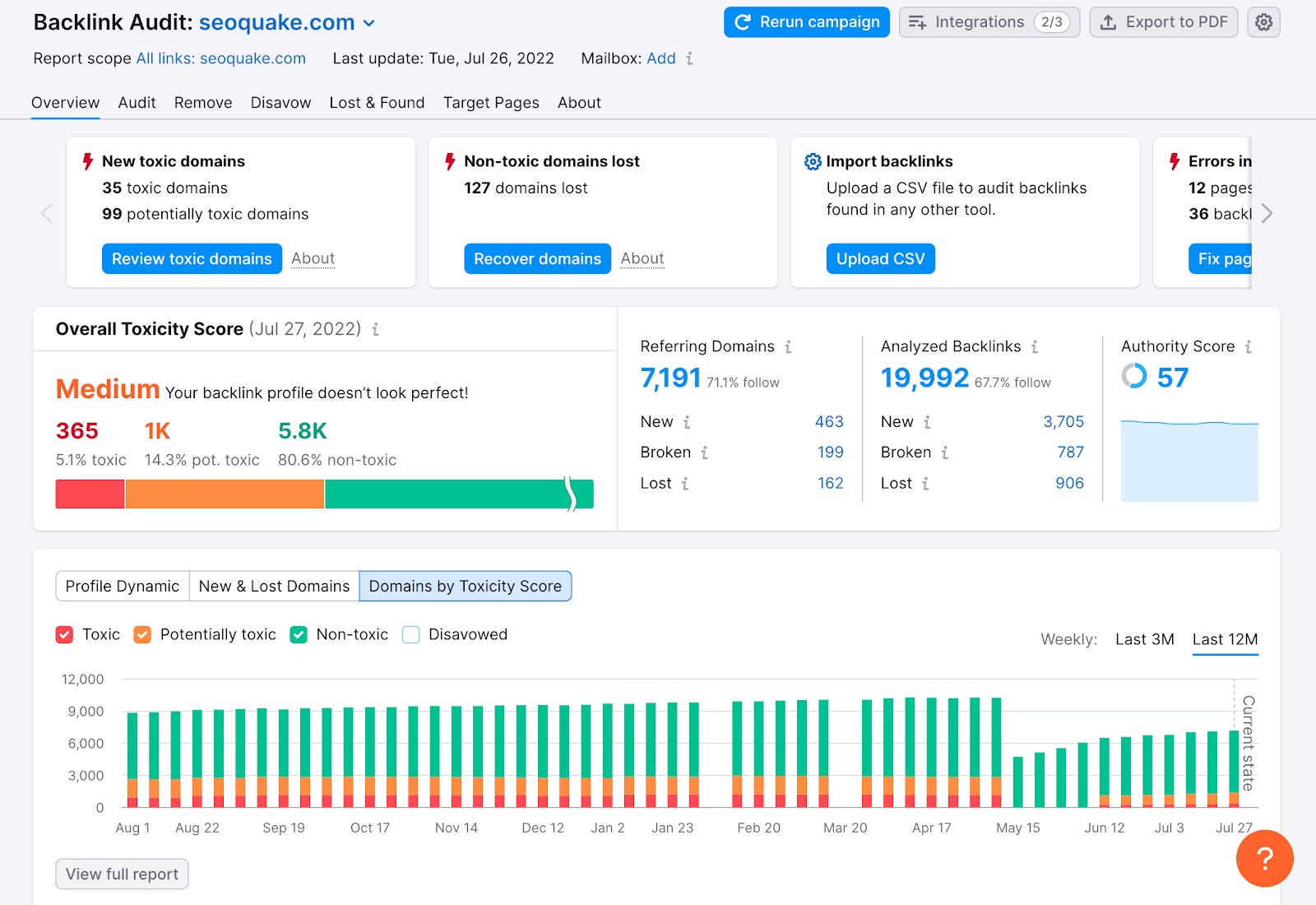
- Move the scroll to the Toxic Score column.
- Filter to display only Score 50+ (high risk)
- Export the toxic links as a CSV file for outreach and disavowal.
Ahrefs backlink audit:
- On the Backlinks tab, click on Low-quality backlinks.
- Select by domain rating, spam score, and link type.

- Ahrefs does not have a single toxicity score; instead, it considers several factors.
- Filter: DR < 10 + Spam Score > 40 = high-risk list.
Important: These scores are NOT perfect. You review them manually. The site design could result in a high spam score rather than indicating toxicity.
Manual vs Automated Toxic Link Detection: Pros and Cons
Automated Detection (Semrush/Ahrefs Toxic Scores):
Advantages: Rapid, determines blatant spam, and ranks by riskiness.
Cons: False positives, lacks the capacity to measure contextual relevance, and lacks subtle patterns.
Manual Review (You check each site):
Advantages: context-sensitive, false positives, niche relevancy.
Disadvantages: Time-consuming, requires SEO knowledge, and subjective.
Best practice: Use automation to filter for (score 50+), then manually review the top 50-100 links. It strikes a balance between speed and accuracy.
Backlink Audit and Removal: How to Clean Your Profile
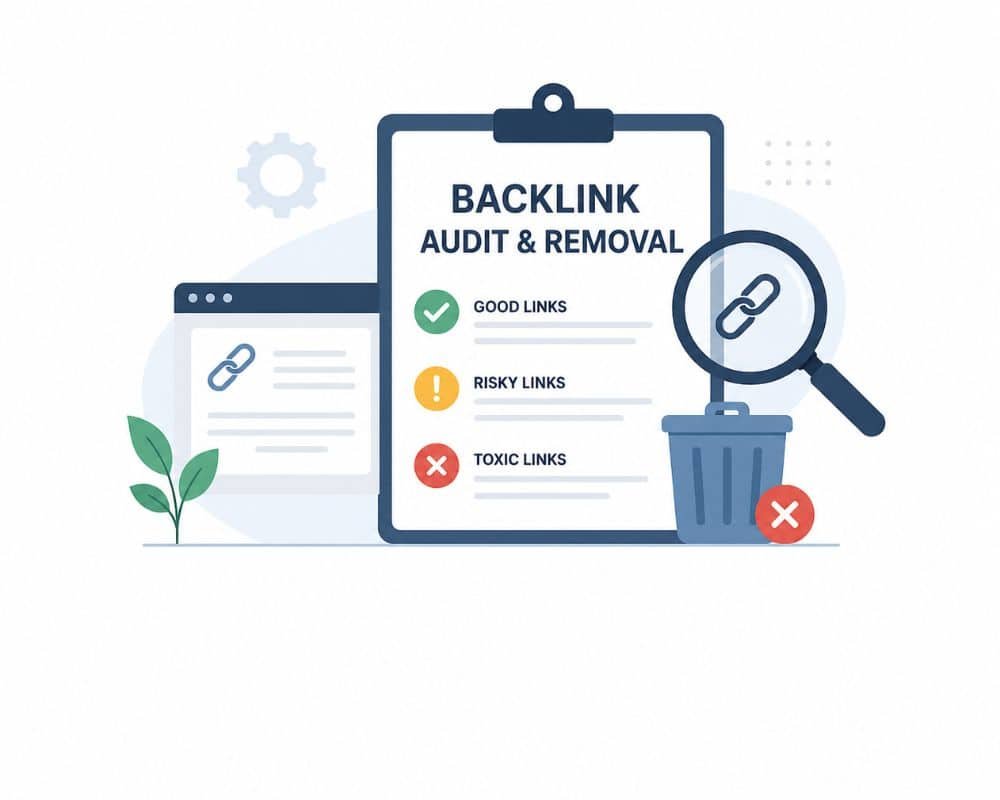
The first step is to identify poisonous connections. In fact, eliminating them is step two—and it requires strategy. There are two main alternatives: outreach and disavowal.
Alternative 1: Removal Outreach can be sent to Webmasters
The best way to remove toxic links is to contact the webmaster and ask them to remove them. This approach is
It is an example of a copy-paste email template:
Subject: Removal of Link Request by [Your Domain].
Hi [Webmaster Name], Site to Site to
I hope this email finds you well. Recently, I performed an SEO audit of my site and noticed a link from [Referring Site] to one of my pages. Although I like the connection, I don’t think it would be of any value to your readers and wouldn’t fit our content strategy. Would you be willing to remove this link? The link is from [Page URL] to [Your Page URL]. I would like to thank you for taking my request into account. I’m happy to help with any questions.
Best regards, [Your Name].
Key points:
- Be polite and to the point (5-7 sentences).
- Do not imply they are spam. Set it up as a content fit problem.
- The URL where the link is located should be included.
Do not forget to follow up after 7-10 days in case you do not receive a reply. Stop after 2-3 attempts.
According to email outreach data, “the account-based outreach success rate is 10-20%.” When 100 webmasters receive your email, 10-20 links will be removed. It is slow yet legitimate.
Option 2: Via the Disavow Tool that is provided by Google (And When NOT To)
The disavow tool lets you tell Google to disregard certain links when it computes your site’s authority. Nevertheless, Google now adamantly advises disavowing as a final, not an initial, option.
“Disavow” is to be used when
- When the outreach has not worked (you have tried reaching out, and there has been no reply)
- In case of big negative SEO attacks (competitor has created thousands of spammy links)
- In case the referring domain is dead or inaccessible.
Step-by-step disavow process:
- Open a .txt file and list out all domains, one per line, prefixed with “domain:” (e.g., “domain:spamsite.com”)
- On individual URLs, omit the domain: prefix (e.g., spamsite.com/bad-page)
- Visit Google Search Console > Disavow Links.
- Create an upload of your .txt file.
- Disavow files are processed by Google in 24-48 hours (however, it may take weeks to recover)
Risk of critical concern: Over-disavowing is hazardous. When you take the precautionary step of disavowing 50% of your backlinks, you are unnecessarily removing link juice. Be conservative. Only disavow links you are 80%+ confident are poisonous.
How to Fix Backlink Profile Issues After a Google Penalty
If Google has already issued a manual action for unnatural links, the recovery would be through a formal reconsideration request.
Step 1: Conduct a complete audit (follow Section 2-4 above)
Step 2: All toxic links are to be removed through outreach.
Step 3: Disavow the remaining toxic links that cannot be removed.
Step 4: Report your cleanup attempt in a reconsideration request.
Step 5: Submit through a search console.
Google usually considers reconsideration requests within 1-3 months.
In your message, you should explain.
- What was behind the poisonous links (do you employ a bad agency)? Competitor attack?)
- The exact measures you carried out to clean the profile.
- What will you do to avoid doing this in the future?
Backlink Profile Audit: Evaluating Your Overall Link Health
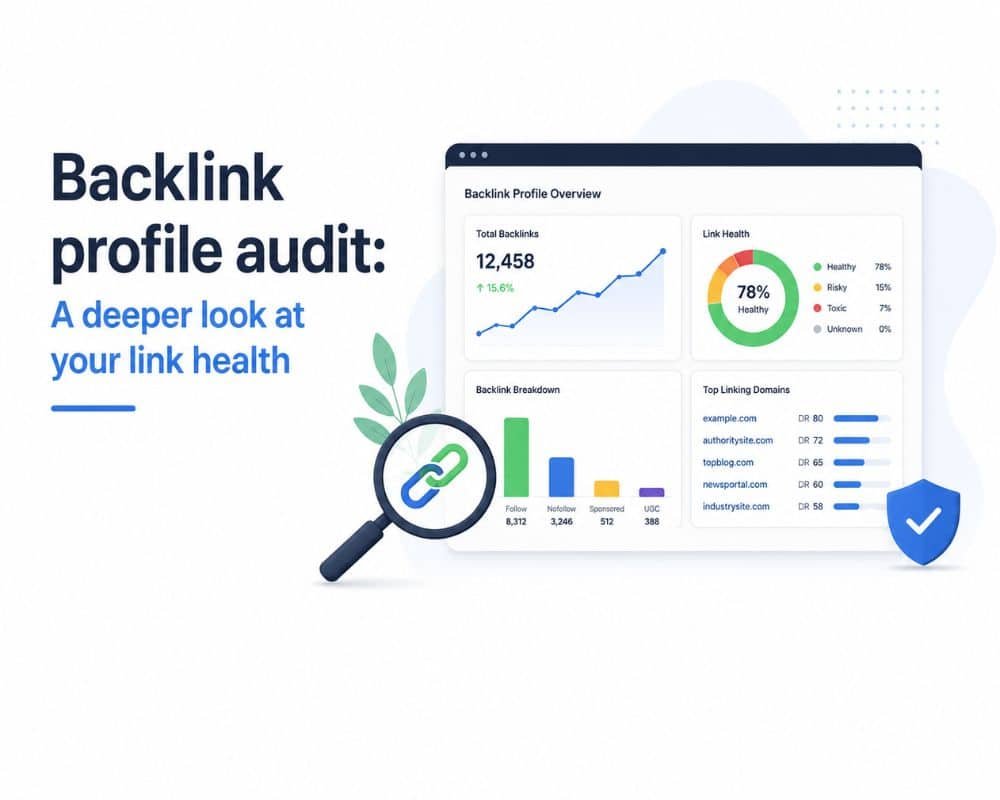
In addition to the toxic links of an individual, you should also evaluate the health of your entire backlink profile. Diversity, natural growth, and balance are characteristics of a strong profile.
Key Metrics to Evaluate in a Backlink Profile Audit
Referring Domains (Quality Over Quantity): You desire fewer links with more unique, high-authority, healthy domains. 100 such referring domains are superior to exact-match and cross 5 domains. over-optimization
Anchor Text Diversity: A Healthy profile features a mix of branded, generic, exact-match, naked URLs, and image ALT text. Manipulation is indicated by over-optimisation (80% exact-match).
Link Velocity (Growth rate): Natural growth is slow. Assuming you got 0 links/month over 2 years, and then received 500 links 1 month later, Google’s algorithms will be illusory.
Trust Flow & Citation Flow: Majestic SEO metrics that can measure the flow of trust and citation through your link profile. Higher is better.
DA/DR Distribution: A natural profile comprises of links with high, mid and low authority sites. When 90% of the links are DA 50+, it appears unnatural. If 90% are DA <5, it looks spammy.
An example of what a healthy backlink profile looks like (Benchmarks)
These benchmarks are used as points on your own profile:
Anchor text ratio:
- Branded (Your brand name): 60-70%
- Keyword (Exact/Partial match): 10-20%
- Naked URL / Generic / Other: 10-30%
Domain Authority distribution:
- High-authority sites (DA 50+): 20-30%
- Mid-authority sites (DA 20-49): 40-50%
- Lower-authority sites (DA 5-19): 20-30%
Link growth velocity:
- Use: competitive niches 5-15 new referring domains/month
- When the competition in niches is low: 2-5 new referring domains/month.
Backlink Profile Audit Checklist: What to Check Every Quarter.
Auditing backlinks should be a habit for you. This audit checklist is a backlink profile audit checklist that will keep you on track:
☐ New toxic links? (Check Semrush/Ahrefs toxic score, weekly alerts)
☐ Lost any good links of high value? (DR 40+, out of niche-relevant sites)
☐ Anchor text drift? (Do you get over-optimized with precise keywords?)
☐ Traffic correlation? (Does link gains correlate with traffic changes?)
☐ Velocity check? (Are new links being added in a natural manner?)
☐ Competitor comparison? (Who is out-linking you? What’s their strategy?)
Backlink Profile Audit After a Traffic Drop: A Recovery Guide
This part applies to the SEO professionals who are in crisis mode. When your organic traffic has been reduced by 20%+ overnight, it may be time to review your backlink profile. The following is the 4-step emergency recovery model.
Step 1: Determine whether the drop is backlink-related (not algorithm or technical).
You should eliminate other causes before you start panicking about backlinks. Run this checklist:
Is it an update in the Google algorithm?
Check Moz algorithm updates and the SE Roundtable for Google core updates. Assuming Google made such a significant update on the very day your traffic dropped, it is very probable that it is an algorithm issue rather than a backlink issue. Example: The 2026 spam updates finder finds that unnatural, low-quality, and manipulated patterns are devalued by Google.
Do you have any technical problems?
Check GSC to find crawl errors, indexation errors, and mobile usability errors. Also, make sure that there are no index tags, robots.txt blocks, or unintentional redirects.
Have you modified your site structure or content?
Check cannibalization (two or more pages with the same keyword), broken paginations, or duplicate content.
Do you notice a regression in site speed?
Page Experience has become a ranking factor. Check Page Speed Insights, Core Web Vitals, and server performance indicators.
Only when the above checks are found clean does the backlink audit proceed.
Step 2: Conduct an Emergency Backlink Profile Audit (48-Hour Process)
Time is critical. Your diagnosis and action must be fast.
Phase 1 (1 hour): Retrieve your backlink data.
1. In Ahrefs or Semrush, filter new links obtained within the date range PRIOR to when your traffic drop-off commenced.
2. Export all new refer domains and their spam grades.
Phase 2 (4 hours): Cross-reference with Google Search Console.
1. Within the GSC, the drop date is indicated in both queries and performance reports. What keywords were lost impressions the fastest?
2. In case the dropped keywords have exact-match anchor text, examine which of your links contains such an anchor. That’s a smoking gun.
Phase 3 (2 hours): Rapid toxic link identification.
First, focus on domains with a Semrush Toxic Score of 50+. Almost all links with high scores are problematic. Ahrefs users are advised to filter for DR < 5 and Spam Score > 40.
Target keyword to this section: backlink profile audit steps following the loss of traffic.
Step 3: Prioritize, Remove, Disavow, and Track Recovery
Now execute the removal. Speed matters.
Day 1-7: Outreach blitz
Parallel contact all high-priority webmasters (Toxic Score 50+). Use the email template of Section 4.
Day 8-14: Disavow submission
In the case of toxic links where outreach has not been successful or where contact information is not available, prepare your disavow file and submit to Google Search Console. Processing will take 24-48 hours.
Day 15+: Set up monitoring
Start weekly tracking:
Rank tracking: Have Semrush / Ahrefs track the rank of your 20 most important keywords.
Monitoring: Check the GSC Performance report weekly to re-crawl signals and impression recovery.
Analytics: Review the GA4 Organic Traffic graph of the recovery curve.
Realistic timeline: 4-12 weeks. Light penalties (there are not many toxic links) heal within 4-6 weeks. Severe (algorithm-level) penalties can take 12+ weeks.
Step 4: Case Study—Before and After Traffic Recovery.
Example (anonymized): On March 10, the organic traffic of a SaaS company fell by 35%. Research saw 120 new toxic links on PBNs purchased between Feb 1-8. Timeline:
- March 10: A traffic drop was reported.
- March 12-18: Emergency audit and outreach (had 8 links removed)
- March 19: 112 remaining links have Disavow file submitted.
- April 2: First rank recovery indicators (2-3 keywords advanced up 1-2 positions)
- May 1: 65% traffic recovered
- June 1: Traffic restored to 95% (back to baseline)
Major lesson: The sooner the action is taken, the faster the recovery will be achieved. Had they waited 30 days to conduct an audit, recovery would have been 3+ months.
What is the frequency with which you should conduct a backlink audit?
A backlink audit is not a one-time affair but rather a continuous upkeep. Here’s the schedule.
Monthly, Quarterly, or Every Time You Run a Link-Building Campaign?
Smaller sites (fewer than 500 pages, fewer than 200 referring domains): Quarterly audit.
Less velocity of linkage indicates lower risk. Quarterly checks help to identify problems before they run out of control.
Big sites (500-5,000 pages, 200+ referring domains) Monthly audit
The velocity of links and value of traffic is high enough to warrant monthly checks. Use automated alerts to supplement.
Enterprise sites (5,000+ pages, 1,000+ referring domains): Weekly quick check + monthly deep dive.
Important to websites that rely on organic traffic. Integrate automated alerts, daily rank tracking, and weekly GSC reviews with monthly deep audits.
Immediate audit triggers:
- After any link-building (quality of checks within 1 week)
- Google’s notice of manual action.
- Traffic drop >15% unexplained
- Negative SEO by competitors suspected.
Installation of automated notifications to ensure new toxic links are detected early.
Manual audits are wonderful, but automation detects issues before they get out of control:
Semrush Backlink Audit Tool Alerts:
Go to Settings> Alerts. Turn on email alerts on new poisonous links. Adjust the threshold to Toxic Score 50+ to minimize alerts.
Ahrefs Alerts:
Install notifications on new backlinks having a domain rating of less than 5. Ahrefs will send you one email each day with new low-quality links.
Conclusion
The basis of a good SEO strategy is a thorough backlink audit. The action plan you have is as follows:
1. Audit
Retrieve Ahrefs/Semrush and Google Search Console backlink data. Good, Neutral, and Toxic: Categorize links as either good, neutral, or toxic.
2. Identify
Red flag recognition—low DA, spam score, irrelevant niche, over-optimized anchor. Review with automated and manual review.
3. Eliminate
Dispatch outreach e-mails initially (10-20% success). Then unlink the remaining toxic links in Google Search Console.
4. Recover
Monitor traffic, rankings, and GSC for 4-12 weeks. A reconsideration request is required if you have a manual action.
5. Monitor
Establish quarterly audits of small sites and monthly audits of large sites. Apply automated alerts to detect malicious links early.
A clean backlink profile is not a one-time thing; it’s a maintenance task. The most highly ranked websites are those that dynamically control their link equity. This guide will help you get started with your audit today. In case of requirement of professional assistance, seek the services of a qualified backlink audit consultant.
Ready to make your backlink profile clean? Get our free backlink audit template or book a consultation with our SEO professionals today.